Conference AV Checklist: What Your Charlotte Event Needs
Microphones, screens, confidence monitors, staging, breakouts and streaming: a practical conference AV checklist from a Charlotte production team.
A conference lives or dies on things most attendees never think about. Can they hear the speaker? Can they read the slides from the back? Does the keynote start on time? Did the video play on the first try?
If you're planning a conference, summit or company meeting in Charlotte, here's a checklist of the AV pieces to plan for, and the questions to ask before you sign anything.
Start with a site visit
The best AV plans start with someone walking the space. Before the first cable gets run, your ATG crew is on-site mapping the room, finding power, checking ceiling heights and load-in paths, and solving problems most people don't know exist. It's the part clients never see, and it's exactly why the event day feels easy.
The general session
This is where most of your audience spends most of their time. Plan for:
Sound - A podium microphone for presenters who speak from notes - Wireless microphones for presenters who move, panelists and audience Q&A - Speakers sized so the back of the room hears as clearly as the front - Background music for walk-ins, breaks and transitions - A sound tech watching every mic for the entire session
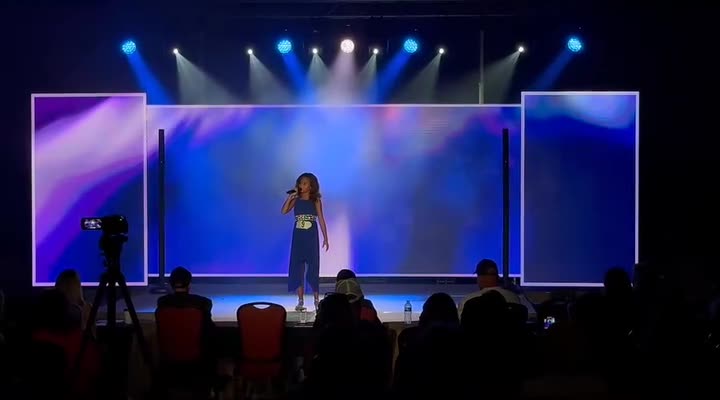
Video - An LED wall or projector and screen for slides and videos - Side screens (65" TVs work well) for long or wide rooms - Confidence monitors facing the stage, so speakers can see their slides and notes without turning around - A countdown clock so presenters stay on time - Camera shots of speakers on screen for larger rooms
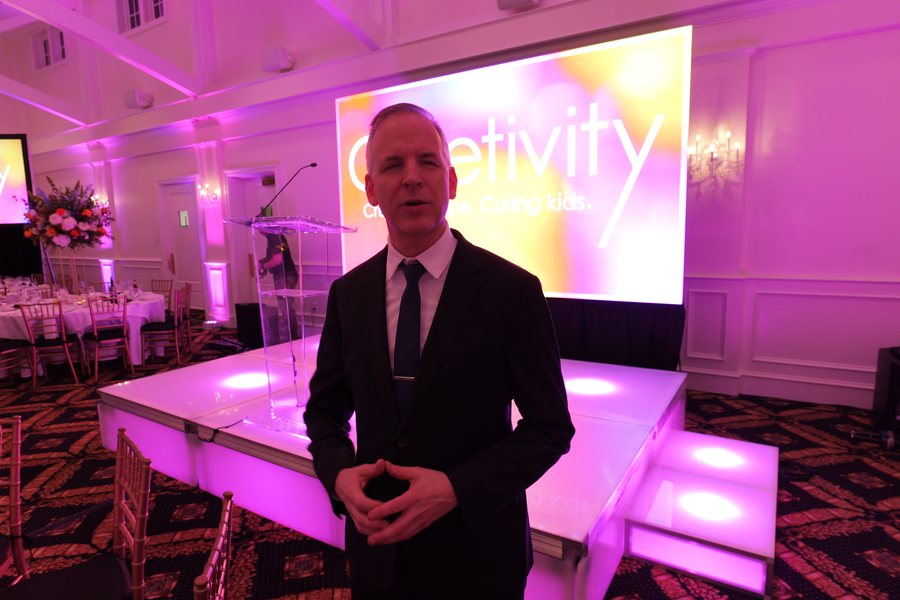
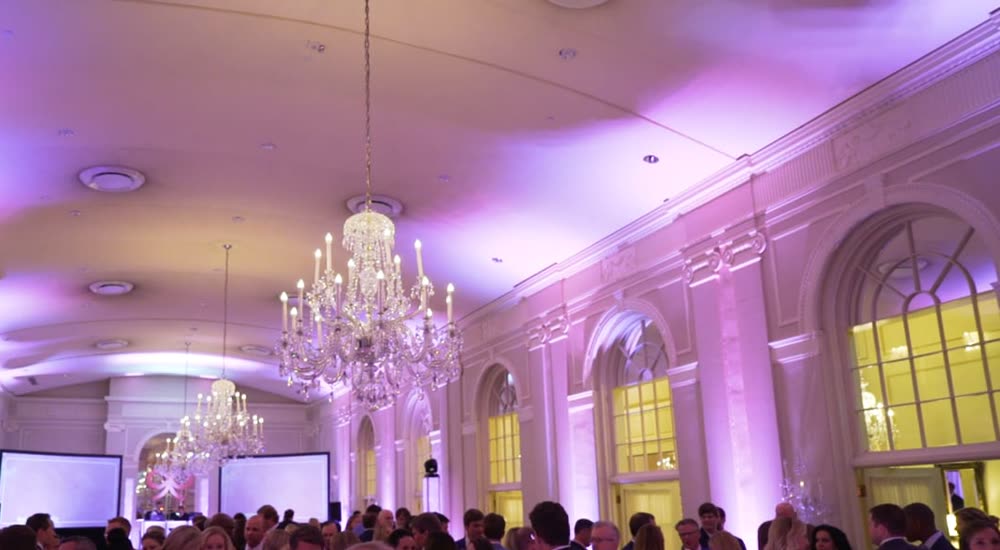
Staging and lighting - A stage so presenters can be seen from every seat - Stage lighting so speakers look good in the room and on camera - Pipe and drape to frame the stage or hide backstage areas - Uplighting in your brand colors to make the room feel finished
Breakout sessions
Breakout rooms need their own sound and display, usually on a smaller scale: a microphone or two, a speaker, and a projector or TV. Plan for:
- One setup per room, tested before the first session
- Slides loaded ahead of time so presenters aren't fumbling with laptops
Remote attendees
If part of your audience can't be there, a live stream lets them watch the general session. This works best when the stream is planned with the in-room AV, not added at the last minute. See how to run a hybrid company meeting or our live streaming page.
Content and run of show
The most common AV problems at conferences aren't equipment failures. They're content problems: slides sent the morning of, videos in the wrong format, a speaker who brings a new deck on a thumb drive.
- Collect slides and videos early. Set a deadline a few days before the event.
- Use one format and aspect ratio across all presenters when possible.
- Build a run of show with every speaker, video, walk-in song and transition.
- Schedule a tech rehearsal for the key presenters.
Multi-room and venue-wide events
Some conferences spread across several spaces: a main stage, a reception area, a sponsor hall.
Load-in and timing
Ask your venue early:
- When can the AV team load in, and when do they need to be out?
- Where is the loading dock, and how far is it from the room?
- What power is available, and where?
- Does the venue require you to use in-house AV for anything?
Then build in extra time. Things go wrong on event days. Our job is to make sure none of it ever reaches your attendees.
When plans change
They will. Speakers change. Sessions move. The agenda gets updated the day before. That's why the team you hire matters as much as the equipment. One client who hosted a two-day business summit for more than 600 attendees at Bank of America Stadium wrote in their Google review that the production schedule "evolved right up until showtime," and what stood out "wasn't just the technical execution. It was the crew's attitude when things shifted."
FAQ
What AV equipment do I need for a conference? At minimum: microphones, speakers, a screen and projector or display for slides, and someone to run them. Larger conferences add confidence monitors, countdown clocks, stage lighting, an LED wall and a live stream.
How early do you set up? It depends on the venue and the size of the production.
Can you support breakout sessions? Yes.
Can you stream our conference online? Yes. Remote viewers can watch the main room live while the in-room AV keeps running.
Plan your conference with one AV team
Learn more about our conference and meeting AV services, LED walls and staging, and everything we do for corporate and nonprofit events.
Request Info or call 704-537-9300.